My Creations
No creations yet
Start generating to see your creations here
LTX 2.5 Audio to Video — Build Visuals Around Your Sound
Use an existing soundtrack as the timing foundation, then direct the scene with a prompt and optional reference image
LTX 2.5 Audio to Video uses your uploaded audio as a conditioning signal for video generation. Start with 2–20 seconds of music, speech, ambience, or sound effects; describe the scene you want; and optionally upload a reference image to guide composition and style. LTX 2.5 then generates visuals around the timing and character of the source audio. Our browser-based workflow gives you access to both Fast and Pro models without downloading weights or managing local GPU infrastructure.

How to Generate Video from Audio with LTX 2.5
Turn an existing audio clip into a directed visual sequence in four steps with LTX 2.5 Fast or Pro.
Upload Your Audio Track
Upload a 2–20 second MP3, WAV, M4A, AAC, or OGG file. Use a music excerpt, voiceover, podcast moment, ambient recording, or sound-effects sequence as the timing foundation for the video.
Describe the Visual Direction
Write a prompt describing the subject, setting, action, camera, lighting, and visual style. The prompt is required so LTX 2.5 knows what should appear while the uploaded audio guides timing and energy.
Add a Reference & Choose a Model
Optionally upload one reference image to anchor the composition or style. Choose Fast for quicker iteration or Pro for higher-fidelity rendering, then adjust prompt guidance when you need a stronger or looser interpretation.
Preview & Download Your Clip
Generate and review the result in your browser. Refine the prompt, replace the reference image, switch between Fast and Pro, or adjust guidance before regenerating and downloading the version you want to keep.
Why Use LTX 2.5 for Audio to Video Generation
LTX 2.5 treats your soundtrack as a generation input rather than an audio layer added after the picture. Combine audio timing with direct visual instructions and optional image guidance.
Audio-Conditioned Motion — Not a Soundtrack Added Later
Your uploaded audio is present during generation, allowing visual timing and motion to respond to the source track from the start. This makes the workflow useful when the music, voice, ambience, or effects already exist and the picture needs to be created around them.
Direct the Picture with Text and an Optional Image
Audio establishes the timing, while your prompt defines what viewers see. Describe a literal scene, an abstract treatment, a product concept, or a cinematic mood. Add a reference image when you need a clearer anchor for subject, framing, palette, or style.

Fast and Pro Models for Different Stages
Use LTX 2.5 Fast to explore visual directions and LTX 2.5 Pro when you want to prioritize fidelity. Both models accept the same core audio-first workflow, so you can refine the prompt and reference before choosing which result to carry into editing.
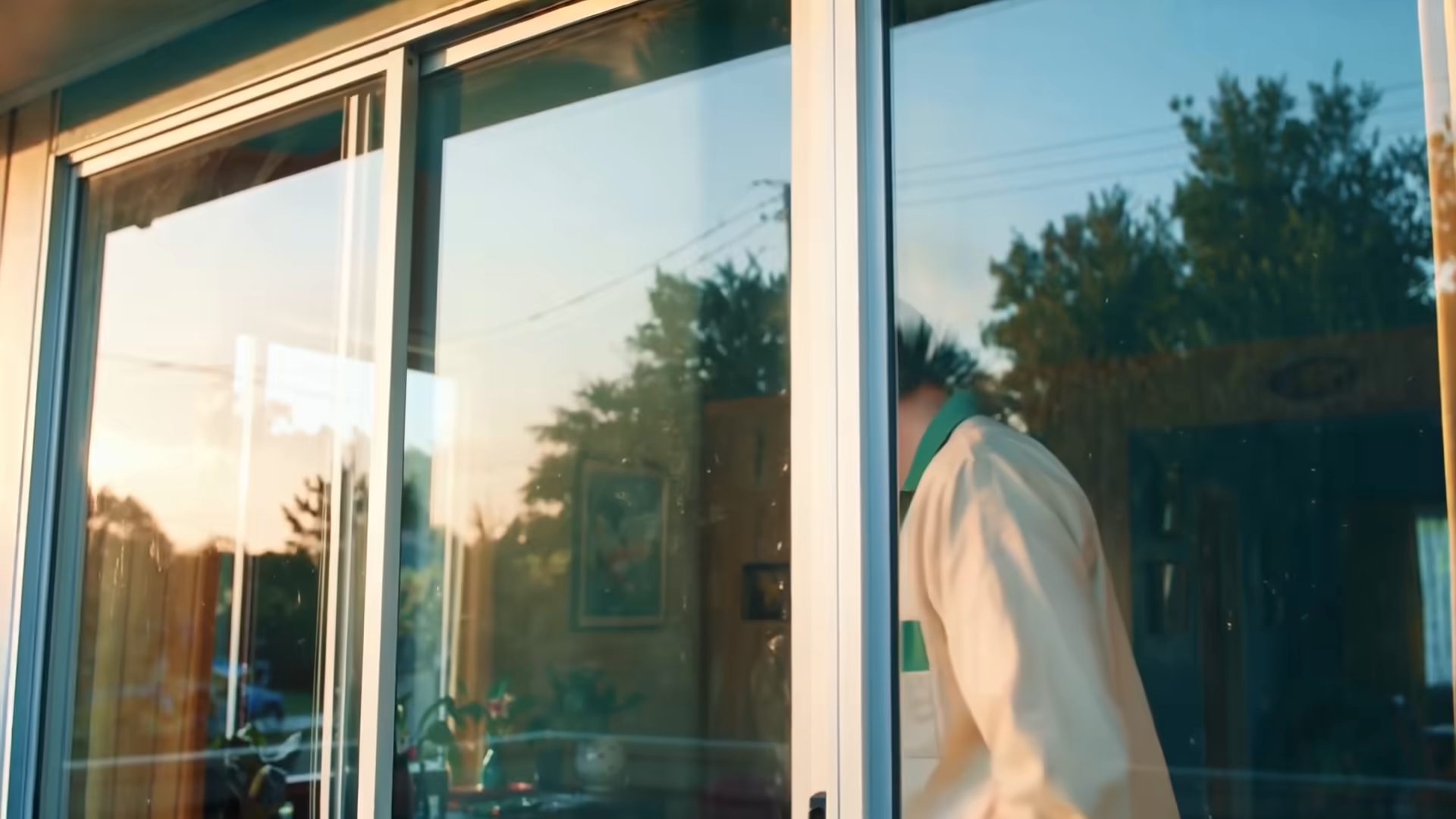
LTX 2.5 Audio to Video for Different Source Tracks
The same audio-conditioned workflow can support music concepts, spoken content, podcast promotion, ambience, and sound-design experiments.

Music to Video — Visuals That Pulse with Every Beat
Use a 2–20 second music excerpt to explore a visual direction for a music video, loop, teaser, or social post. Describe how subjects and camera movement should respond to the track, then iterate on the prompt and guidance strength.
Creative Uses for LTX 2.5 Audio to Video
Use existing audio as the starting point for visual ideation, promotional assets, pre-visualization, and short-form experiments.
Musicians & Music Producers
Explore music-video concepts, visual loops, release teasers, and social assets from a short section of an existing track. Use the prompt and optional reference image to test different worlds without changing the audio.
Podcasters & Audio Creators
Give a short soundbite a visual identity for YouTube, TikTok, Instagram, or LinkedIn. Generate the base scene with LTX 2.5, then finish captions, logos, and layouts in your normal editing workflow.
Educators & Course Builders
Prototype visuals around a concise narration or lecture excerpt. Describe the concept that should appear on screen and use the result as B-roll, a lesson intro, or a direction for a longer educational edit.
Marketers & Ad Creatives
Turn a jingle, short voiceover, or brand sound into multiple visual directions. Keep the audio fixed while testing subject, setting, camera, and style for social or pre-roll concepts.
Filmmakers & Pre-Visualization
Use a temporary mix, dialogue excerpt, or soundscape to explore how a scene could feel before production. A reference frame can anchor the visual language while audio drives the timing.
Game Developers & Trailer Editors
Pair game music, ambience, or effects with a written scene brief to prototype trailer beats and cutscene ideas. Compare Fast and Pro results before handing the selected direction to the production team.
Frequently Asked Questions About LTX 2.5 Audio to Video
Give Your Sound a Visual Direction with LTX 2.5 Audio to Video.
Upload 2–20 seconds of music, speech, ambience, or effects, describe the scene, and generate an audio-conditioned video with LTX 2.5 Fast or Pro.